This article is originally written in English; the interface is localized, but the article body remains in its original English.
From hairstyle inspiration to a wider creative canvas
A new hairstyle can inspire more than a trip to the salon. You might start thinking about a different portrait backdrop, a fashion mood board, or a short clip for your social feed. When that curiosity moves beyond the haircut itself, a broader creative studio can open up possibilities.
LookRoll.ai is a general AI image and video studio for turning written ideas and visual references into new content. For readers interested in hairstyles, portraits, and beauty, it offers a way to explore the scene around a look: lighting, atmosphere, styling, and motion.
What you can create with LookRoll
The studio supports text-to-image generation, reference-image-supported generation, text-to-video, and still-image animation on compatible models. You can describe an image from scratch, bring a visual reference into the process, or explore motion when the selected video model supports your intended workflow.
The available settings are not identical across every model. Duration, resolution, aspect ratio, and sound options depend on the image or video model you choose. Check those controls before planning a particular format, especially if your finished piece needs to fit a social platform.
LookRoll works on desktop and mobile and offers 28 interface languages. Saved creations and upload history help you revisit earlier work, while an estimated credit cost is visible before you submit a generation.
Ideas for portraits, beauty, and social content
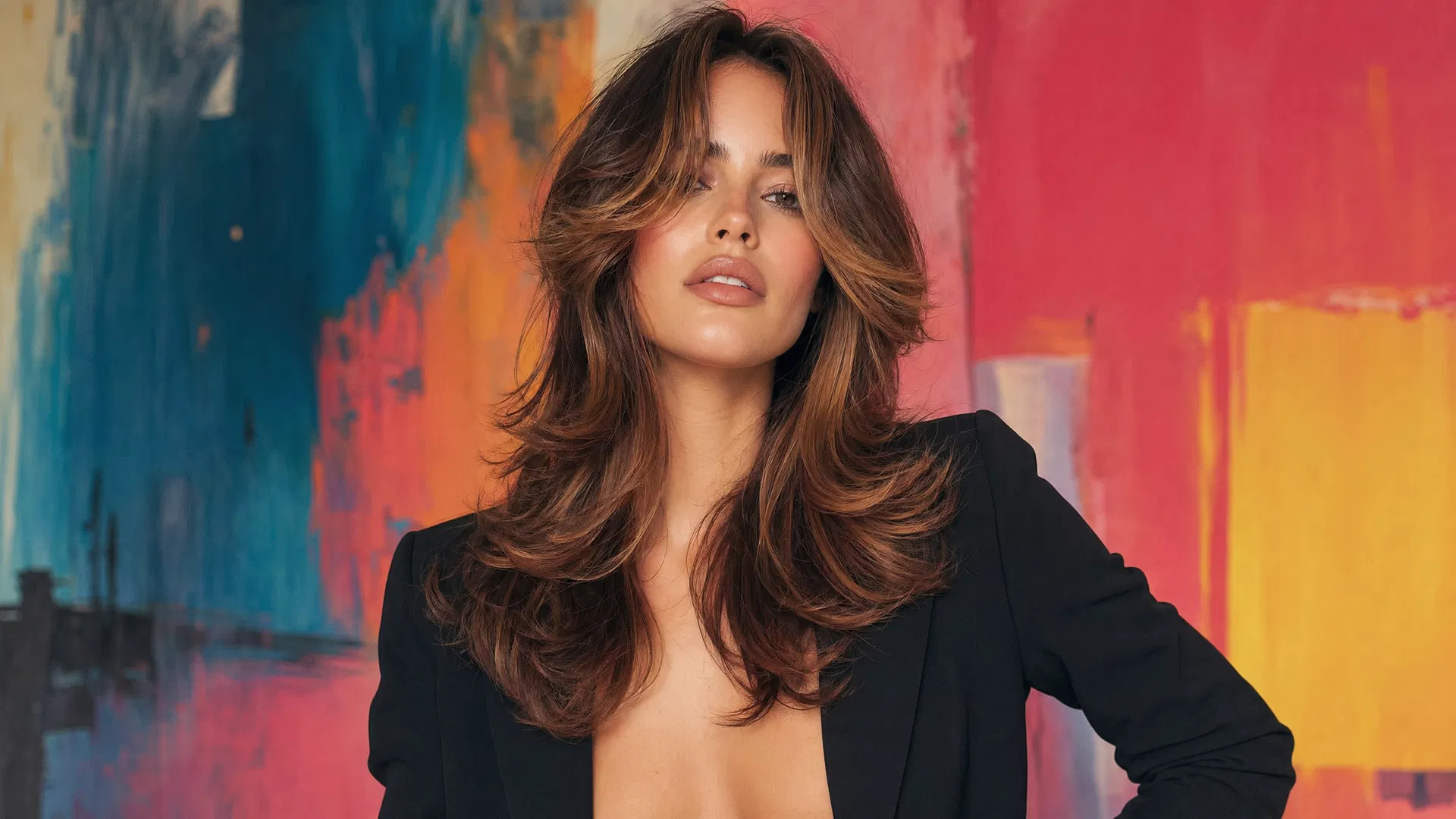
For hairstyle enthusiasts, the most useful starting point may be the overall mood rather than a precise cut. Consider an editorial portrait with soft window light, a beauty campaign concept with a restrained color palette, or a fashion-inspired scene that complements an outfit and hairstyle.
A practical original prompt might be: “Create an editorial beauty portrait with a shoulder-length hairstyle, soft side lighting, a warm beige background, natural-looking makeup, and generous empty space beside the subject for a caption. Keep the composition calm and uncluttered.”
If you use a reference portrait, describe which visual elements matter to you. Do not assume every facial detail or hairstyle will remain unchanged. Review the result for unexpected changes before deciding whether it suits your purpose.
The official Explore gallery includes cinematic, fashion, portrait, architecture, nature, and surreal examples, alongside trend templates. It can help you discover directions beyond beauty content without locking you into someone else’s aesthetic.
A simple workflow for your first concept
A focused brief makes it easier to evaluate what comes back. Rather than requesting a whole campaign at once, start with one scene and one intended use.
- Define the purpose. Decide whether you need a portrait concept, a mood-board image, or a short moving scene.
- Choose the appropriate workflow. Select image generation, a reference-supported option, or a compatible video model based on your materials.
- Check settings and estimated credits. Confirm the available format and any duration or sound options before submitting.
- Review and refine. Examine the output, then adjust one or two prompt details rather than changing everything at once.
For animation, a restrained direction such as gentle camera movement may be a useful creative starting point. Still, motion can introduce changes to faces, hair, or clothing. Treat each completed output as something to inspect, not something automatically ready to post.
Understand credits before you generate
LookRoll offers monthly and annual subscriptions as well as one-time credit packs. Its pricing page is the place to check current options without relying on a fixed price quoted elsewhere.
New accounts receive no free generation credits. Plan for a paid option if you want to generate content. Subscription allowances refresh monthly, including on annual subscriptions, and unused subscription credits do not roll over. Purchased one-time credits do not expire and do not automatically renew.
Failed jobs have their reserved credits returned. Completed outputs consume credits even when you dislike the result, so the visible estimate is worth checking before each submission. A clear brief and a manageable scope can help you keep creative experimentation intentional.
Keep privacy, collaboration, and permissions in mind
Uploads and creations are private by default and are not automatically published to Explore. For collaborative work, however, team permissions matter. Pro, Power, and Studio team plans include invitations, shared credits, projects and files, plus roles, comments, and review features.
Before uploading or publishing, make sure you have the necessary permissions for copyrighted material, people’s likenesses, brands, and music references. Inspect outputs for unwanted details and suitability for their intended audience. The features described here come from LookRoll’s official pages, not independent hands-on testing.
Three quick questions about LookRoll
Can I start from my own photos?
Yes, with a model that supports reference inputs. Check the upload controls for accepted formats and limits, and use photos you own or have permission to share.
Does every generated video include sound?
No. Sound options depend on the selected model, as do duration, resolution, and aspect ratio.
Will my creations appear publicly in Explore?
Not automatically. Uploads and creations are private by default; check permissions when working in shared team spaces.
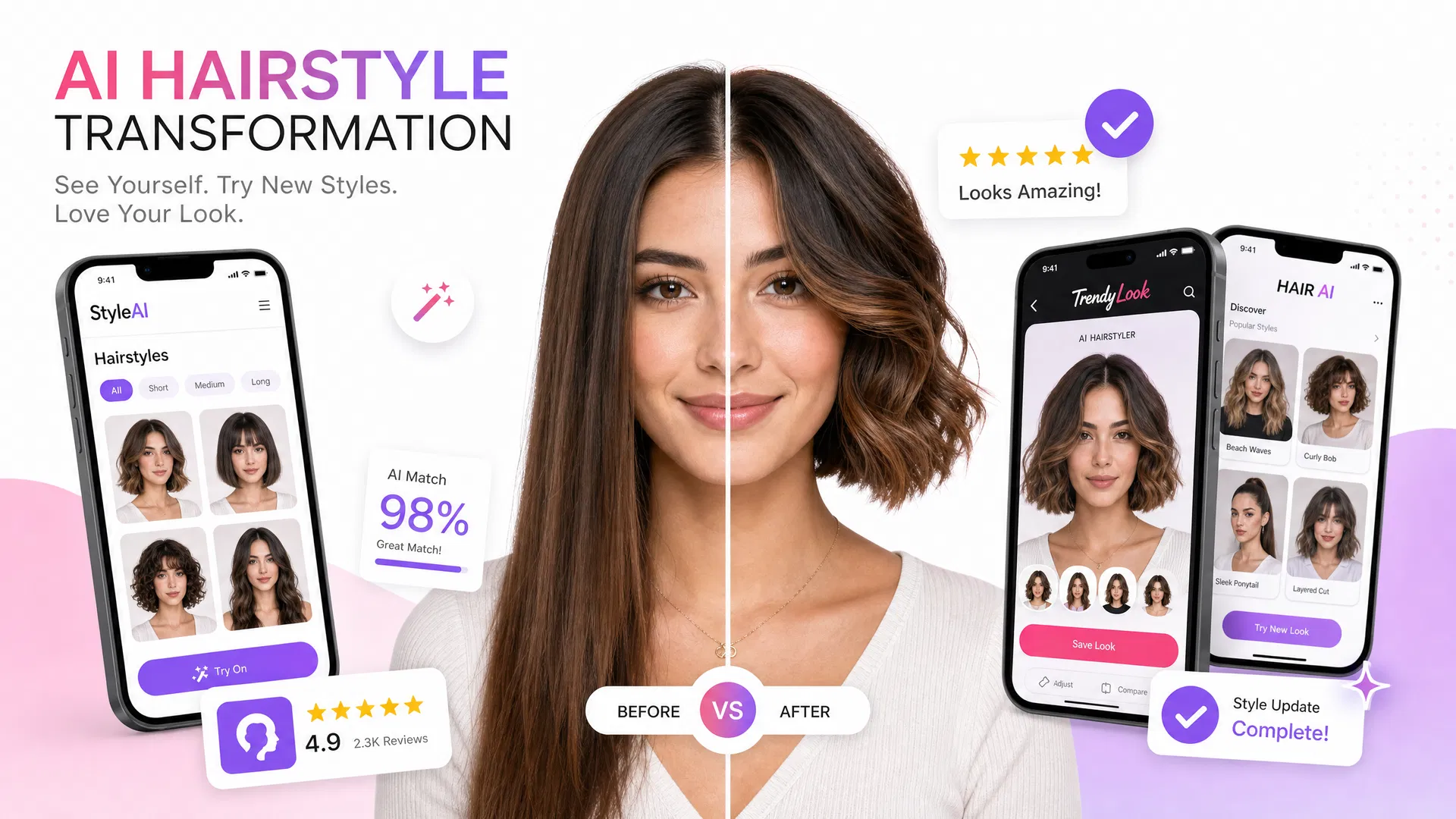
If your main question is which hairstyle to explore, start with our hair-specific previews at AIHairStyleChanger.AI. For broader portrait scenes, visual concepts, and creative motion, LookRoll offers a different kind of canvas.