This article is originally written in English; the interface is localized, but the article body remains in its original English.
What is an AI Hairstyle Changer?
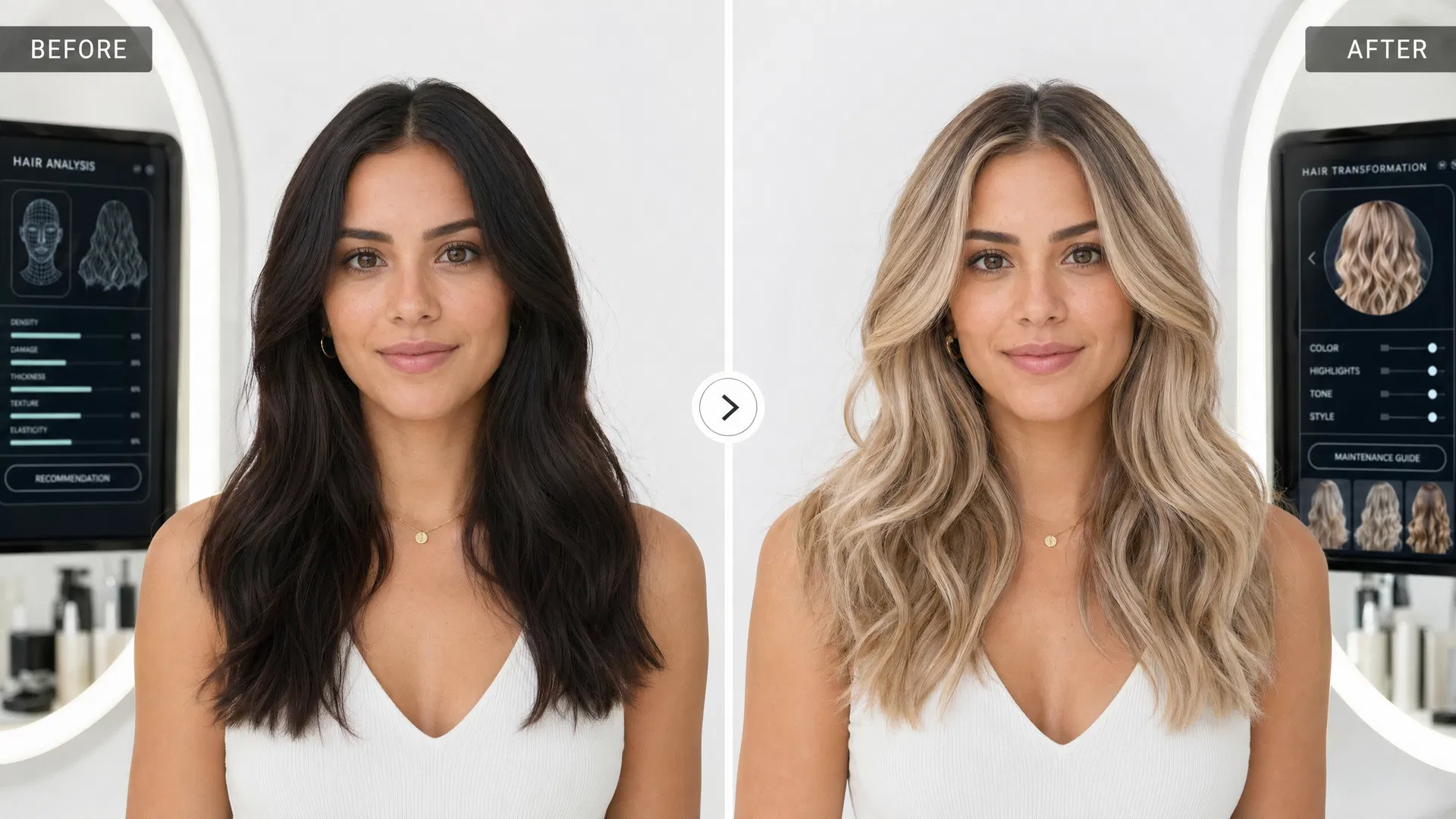
An AI hairstyle changer is a tool that uses artificial intelligence to virtually apply different hairstyles to your photo. Using advanced image generation technology, it can realistically transform your hair in seconds — letting you preview dozens of different cuts, styles, and colors without any commitment or salon visit.
Why Use an AI Hairstyle Changer?
Choosing a new hairstyle is a significant decision. A dramatic cut or color change can take months to grow out if you don't like it. An AI hairstyle changer eliminates the guesswork by letting you see exactly how a style will look on your own face before making any changes. It's also a great way to discover styles you might never have considered trying.
Step 1: Choose a Clear, Well-Lit Photo
The quality of your results depends largely on the quality of your input photo. For the best results, choose a photo that's well-lit (natural light is ideal), shows your face clearly from the front, has your hair pulled back or out of your face, and is taken against a simple, uncluttered background. Avoid photos with heavy filters, extreme angles, or poor lighting.
Step 2: Upload Your Photo
Upload your chosen photo to the AI Hairstyle Changer. Our tool accepts JPEG, PNG, and WebP formats up to 10MB. You can drag and drop your photo or click to browse your files. Once uploaded, you'll see a preview of your photo in the tool.
Step 3: Select Your Gender
Choose whether you want to browse female or male hairstyles. This determines which hairstyle library you'll be browsing — we have 100+ styles for women and 40+ for men, covering everything from classic cuts to the latest trends.
Step 4: Browse and Select a Hairstyle
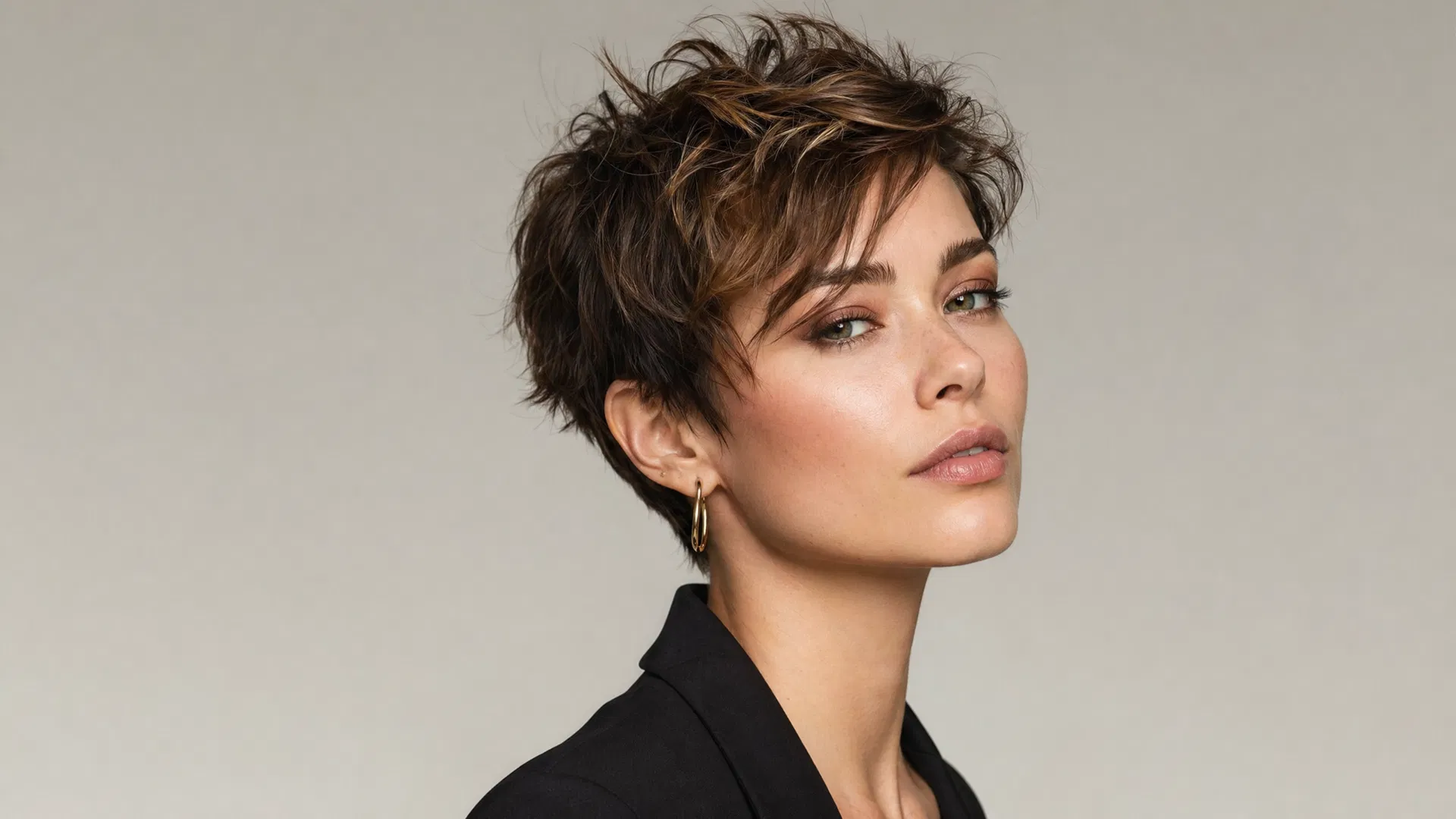
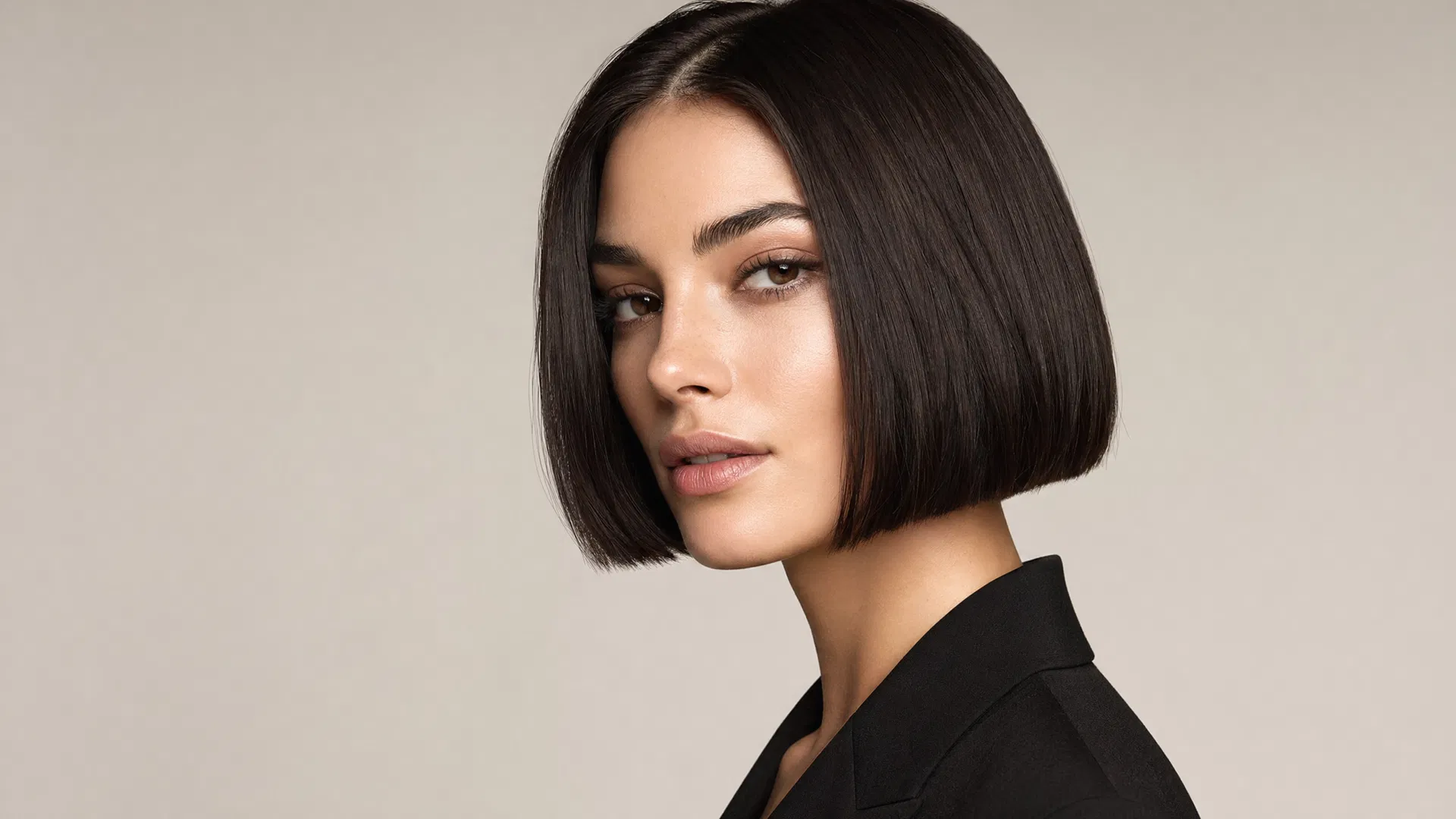
Browse our library of hairstyles by category (Straight & Smooth, Bob & Lob, Short Cuts, Layered & Wavy, Curly & Textured, Braids & Updos, and more). Click on any style to select it — you'll see a preview image of the style to help you decide. You can change your selection as many times as you like before generating.
Step 5: Choose a Hair Color (Optional)
If you want to change your hair color as well as your style, browse our selection of 20+ hair colors. From natural shades like black, brown, and blonde to fashion colors like red, copper, and highlights, there's a color for every preference. You can also choose "AI Recommended" to let the AI select the most flattering color for your skin tone.
Step 6: Generate Your New Look
Once you've selected your hairstyle and color, click the "Generate" button. Our AI will process your photo and apply the selected style in 15-30 seconds. The result is a photorealistic image showing how you'd look with your chosen hairstyle.
Step 7: Download and Share
If you love your new look, download the image directly to your device. You can share it with your stylist to show exactly what you want, or share it with friends and family for their opinion. You can also save multiple results to your history to compare different styles side by side.
Tips for Getting the Best Results
For the most realistic results, use a high-quality, well-lit photo. The AI works best with front-facing photos where your face is clearly visible. If you're trying a dramatically different style, the results will be most accurate if your hair is pulled back in the source photo. Experiment with different styles and colors — you might be surprised by what looks great on you!
Ready to Try?
Start your AI hairstyle transformation now. Upload your photo, browse 100+ styles, and discover your perfect new look in seconds — completely free to try.